Parole 0.4.0 Available – Testers Needed!

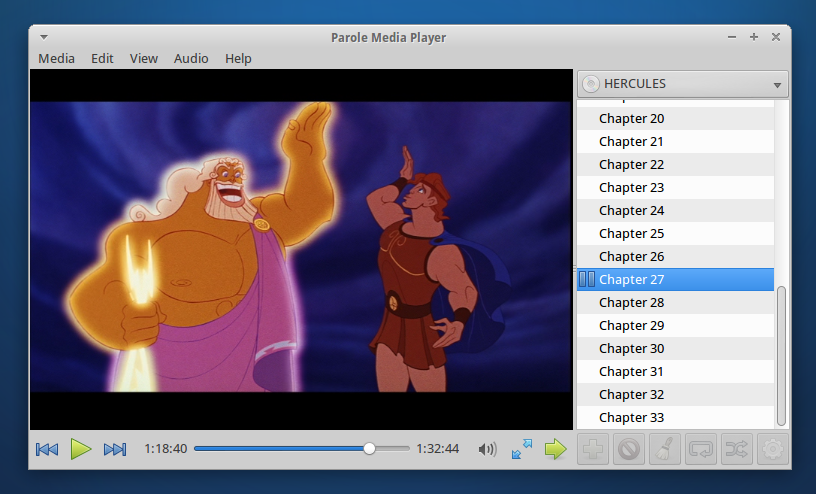
Parole 0.4.0 has finally been released, and with it a ton of new features and fixes.  Here’s what’s new, and what it should do.  If you’re interested in checking out the latest and greatest of lightweight media players, read on!

Feature-rich and fast Parole Media Player 0.4.0

Feature-rich and fast Parole Media Player 0.4.0

Bug Fixes

  • Fixed compilation bugs #9219 and #9226.
  • Fullscreen controls are now displayed on the proper monitor (bug #9270).
  • Fixed screensaver inhibition (bug #7407).
  • Fixed a bug where Parole would freeze on some subtitles (bug #9194).
  • Fixed a bug where Parole would skip every second ogg-vorbis file in the playlist (bug #9562).

New Features and Fixes

  • File and location history
  • Embedded mode
  • Missing codec detection and installation
  • Custom subtitle loading
  • CD and DVD playlist support
  • DVD navigation
  • New look for audio formats
  • New notification plugin
  • Configuration ported to Xfconf
  • Improved keyboard shortcuts

File and Location History

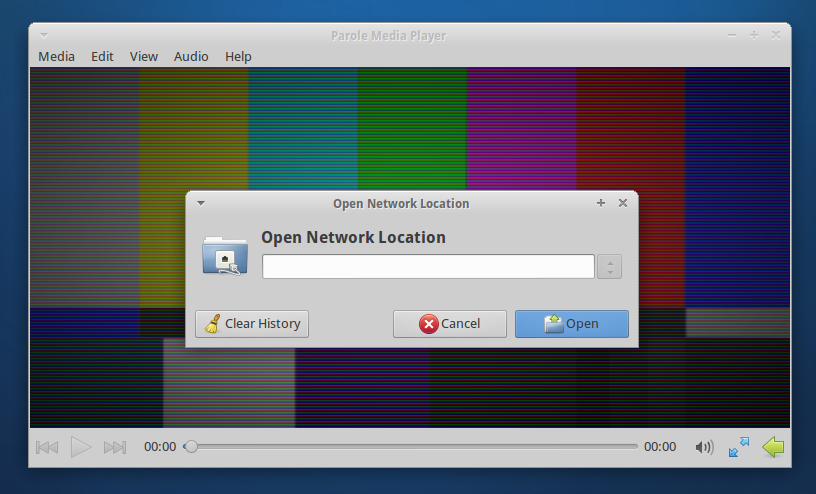
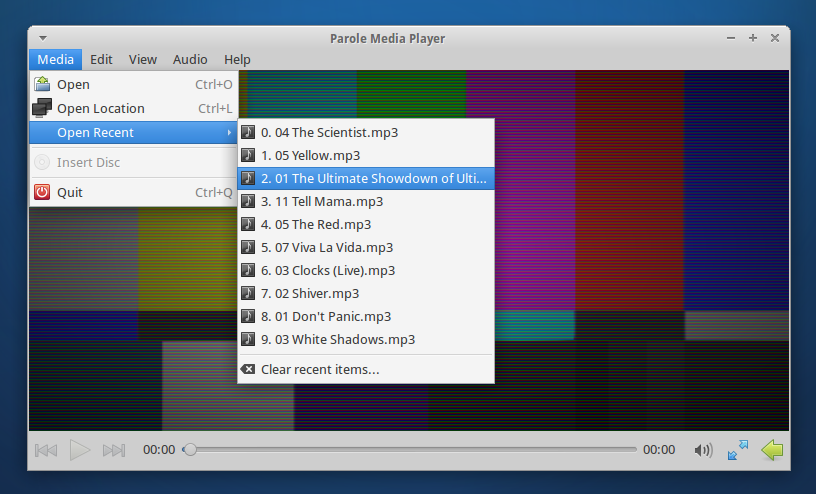
Recent files are now easily accessible.  “Recent files” has been added to the Media menu.  The “Open Location” dialog has also been greatly improved.  Additionally, history can be easily cleared.
Embedded Mode

“Embedded Mode” has been a long-requested feature that would trim away bits of the interface for embedding into other applications (e.g. web browsers).  To start Parole in embedded mode, simply use the following command: parole --embedded
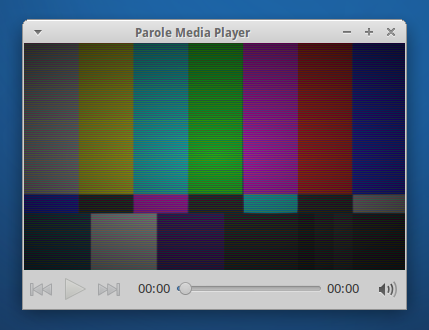
A mini-mode Parole Media Player.

A mini-mode Parole Media Player.

Missing Codec Detection and Installation

Another long-requested feature, Parole can now detect if your system is missing a necessary codec, and install it as well.
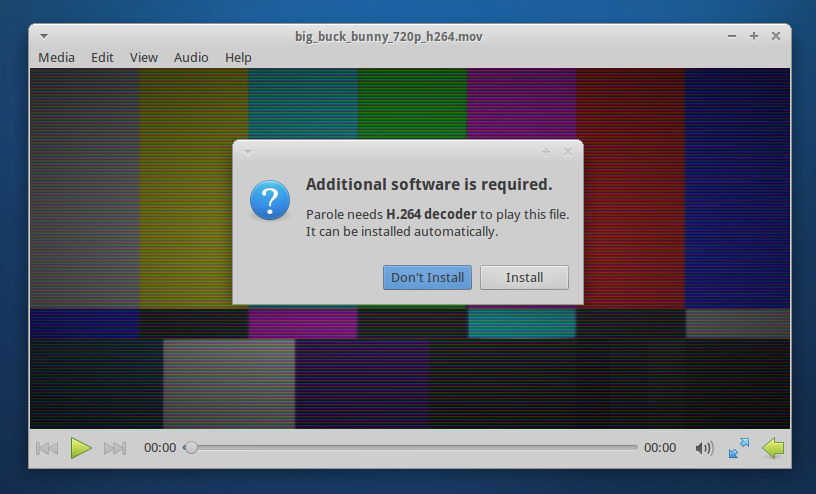
Parole Media Player can now find and install missing codecs with ease.

Parole Media Player can now find and install missing codecs with ease.

Custom Subtitle Loading

Previously, Parole would only open subtitles that were embedded in video files or that had matching file names.  Now, you can select any subtitle file for Parole to load along with your video.
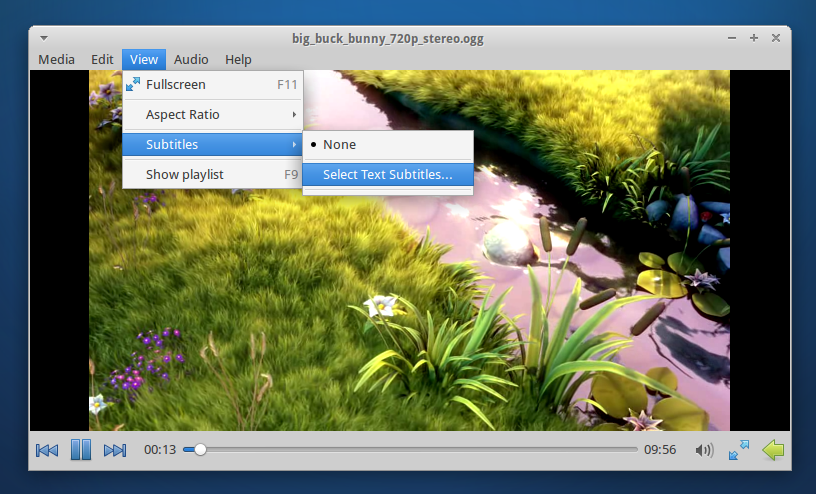
External subtitle support has been greatly enhanced in 0.4.0

External subtitle support has been greatly enhanced in 0.4.0

CD and DVD Playlist Support

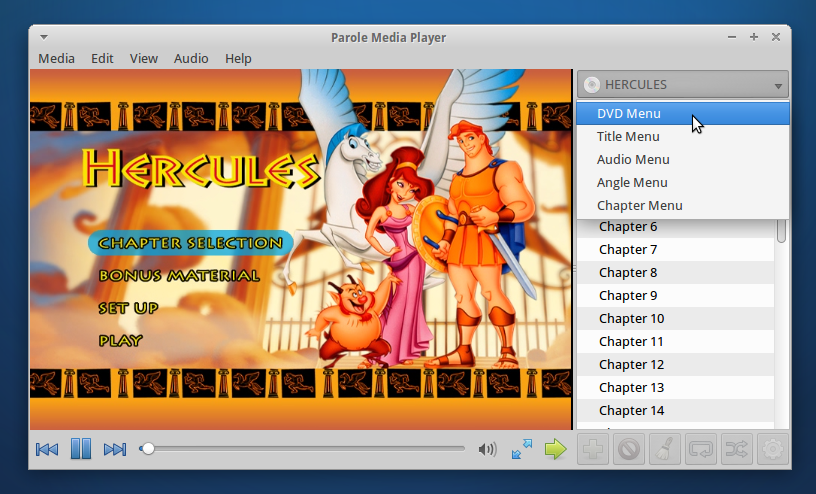
CD and DVD tracks have now been added to the playlist.  This makes it easier than ever to quickly jump to your favorite track or scene.  DVD navigation has also been added to the playlist, so you can move quickly via DVD menus.
New Look for Audio Formats

This is where Parole gets fancy.  We’ve added a whole new look for audio tracks, showing off a big beautiful album art and track details.  We’re pretty proud of this latest feature, be sure to check it out.
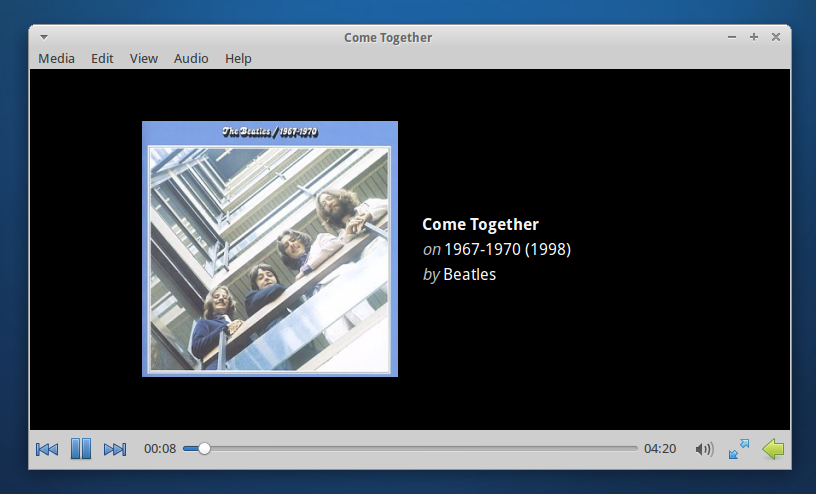
Introducing the new audio box widget!  Enjoy your album art.

Introducing the new audio box widget! Enjoy your album art.

New Notification Plugin

And now that we have album art, we’ve also added it to the newly-introduced notification plugin.  Notifications were previously a part of the tray icon plugin, but since their functionality is separate, it only makes sense for the plugins to be as well.
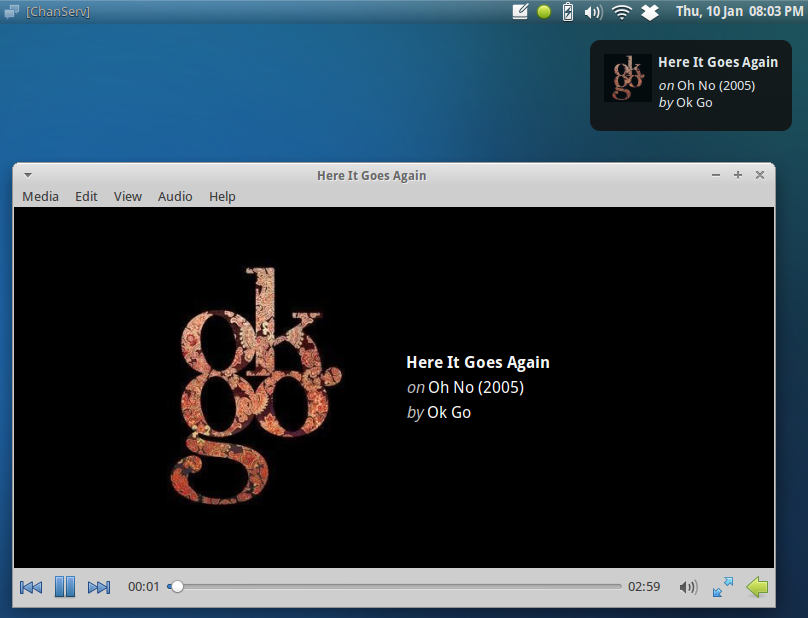
The new notifications plugin in Parole Media Player.

The new notifications plugin in Parole Media Player.

Configuration Ported to Xfconf

Configuration has moved away from settings files and has been integrated with Xfce Settings.  This means easier deployment of preferred settings and the ability to quickly reset settings if something goes awry.
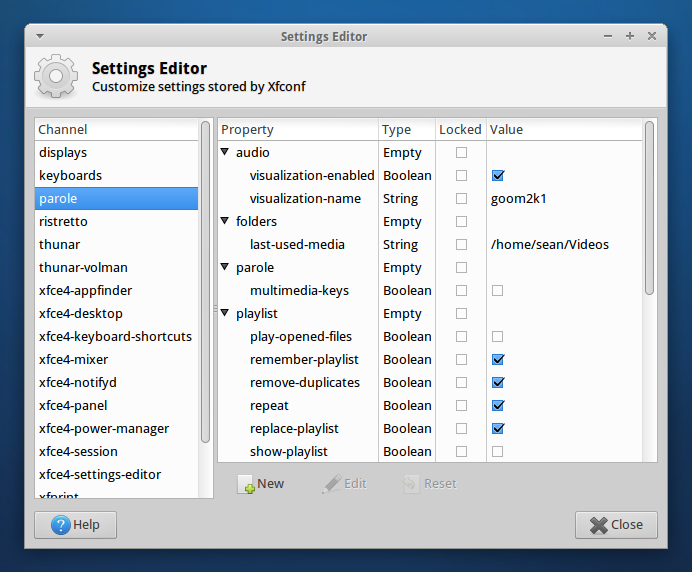
Parole settings are now stored in the Xfce Settings.

Parole settings are now stored in the Xfce Settings.

Improved Keyboard Shortcuts

Keyboard shortcuts have been a big discussion for this release and have been improved significantly.  You’ll find all the shortcuts below.

General

Combination What it does
Ctrl+O Open Dialog
Ctrl+L Open Location Dialog
Ctrl+Q Quit Parole

Playlist

Combination What it does
F9 Show/Hide playlist
Up Navigate Playlist Up
Down Navigate Playlist Down

Playback

Combination What it does
F11 Enter Fullscreen
Escape Exit Fullscreen
Left/Right Seek Media Backwards/Forwards 10 seconds
Ctrl+Left/Right Seek Media Backwards/Forwards 1 minute
0 (zero) Mute Volume
- (minus) Decrease Volume
+ (plus), = (equals) Increase Volume

Where Do I Get It?

Parole’s source code can be downloaded here.  Ubuntu 13.04 users can download it straight from the Ubuntu Software Center.  If you’re running Ubuntu 12.04 or 12.10, Parole can be installed from the Xfce 4.12 PPA below (12.04 users also need the 4.10 PPA).

sudo add-apt-repository ppa:xubuntu-dev/xfce-4.12
sudo apt-get update
sudo apt-get install parole

Please test Parole 0.4 and report any bugs you find at the Xfce Bugzilla.  So, what do you think of the latest and greatest Xfce media player?  Let me know in the comments!

  • David Segura M

    Hi, I am testing it trough the Xfce 4.12 ppa ( in general I am testing every bit of Xfce 4.12 that goes out :) ) and so far is looking pretty good, specially the one when playing music files but I have seen a couple of errors on the Spanish translation: On translated as “Prendido” besides the name of the album  and one on the menu in Cleaning Recent Objects as “Limpiar objetos Resientes”. How can I correct it? or contribute to the translation?

  • Martín

    Maybe you guys can point me in the right direction, I use Arch Linux, Xfce, Pulse audio, I have a normal built in sound card and a USB headset which is what I use the most. The thing is that when using parole, it changes the sound volume level, I usually have it at 5% and then after starting Parole, it goes to 70% or more, I try bringing it down back to 5% and on the next song it goes to 0%, All other sound sources work normally, VLC, playing files on the console with sox works well. So that is my issue atm. I wanted to ask first to make sure it’s a problem with Parole and not something else before trying to open a bug report. Also I didn’t find info on the xfce forums so I dared to ask here.

    • http://www.smdavis.us/ Sean Davis

       Is it changing the system sound levels or just within parole itself?  I’ve never seen this happen before myself.

      • Martín

        Wow, sorry for the super late response, I was out of town. It’s changing the sound for the whole system. 

        • http://www.smdavis.us/ Sean Davis

          That’s unexpected, I’ve never heard of it doing that.  Really not sure what to look for on how to debug that either.

  • http://lvernschrock.myid.net/ lverns

    Awesome! I can hardly wait to try it out.
    On the negative side, I’m not sure that downloading codecs belongs in the media player. IMO such functionality belongs in a package manager. But like I said, I’ll give it a try.

    • http://www.smdavis.us/ Sean Davis

      The codec downloading and installation is provided by gnome-codec-install (or similar), in the same functionality that it is used in Totem.  It’s quite a useful feature that gets rid of the headache that comes with being unable to view the media you want.

  • Pingback: <° Linux | Un Vistazo a lo que vendrá en Xfce 4.12

  • http://ten000.com/ Seán Sloane

    I’ve just installed Parole on my system (Bridge Linux based on Arch) from the AUR packages. I have to say, it’s one nice player except I have a problem when I play mkv files. The primary audio isn’t playing, i.e., the actors speaking. Background noises (music, someone talking in the background, etc.) do come through though. Any thoughts?

    • http://www.smdavis.us/ Sean Davis

       That’s really strange, and I’m not really sure what’s going on there.  Since its an mkv, are there different audio streams available?

      • Seán Sloane

        Yes, very strange indeed because I just tested a few mkvs and they’re working fine…

  • Cyclothunder

    hi,

    just found this and it looks great.
    one question, will it have upnp support in a near future? :)

    • http://www.smdavis.us/ Sean Davis

       It’s probably unlikely that something like this will land in the “near” future, but it may be a possibility later on.