Ubuntu App Showdown: MenuLibre (Updated)

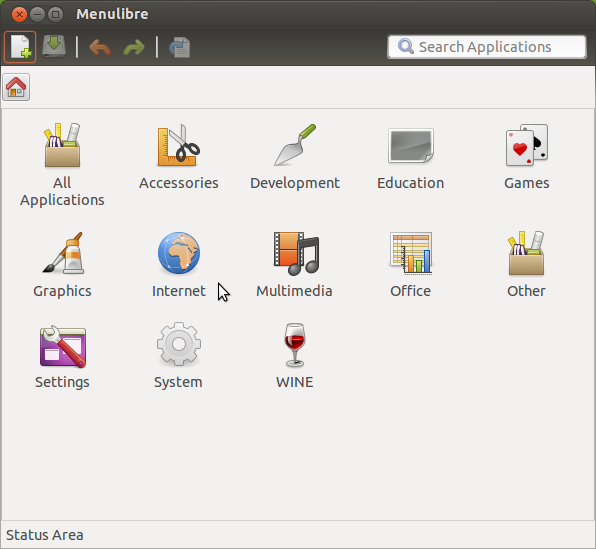
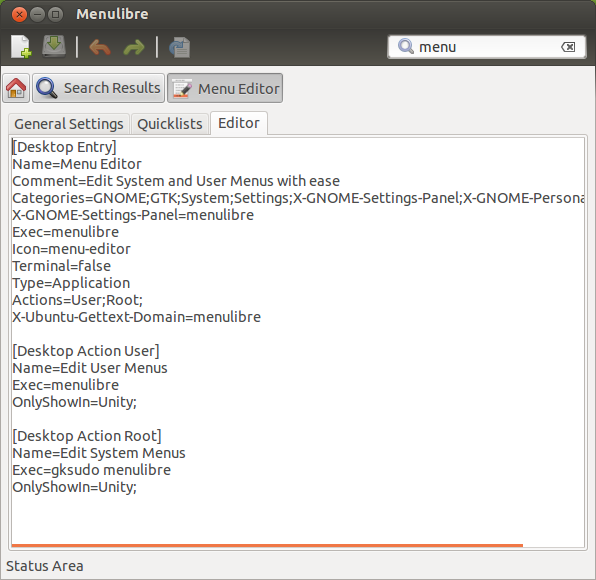
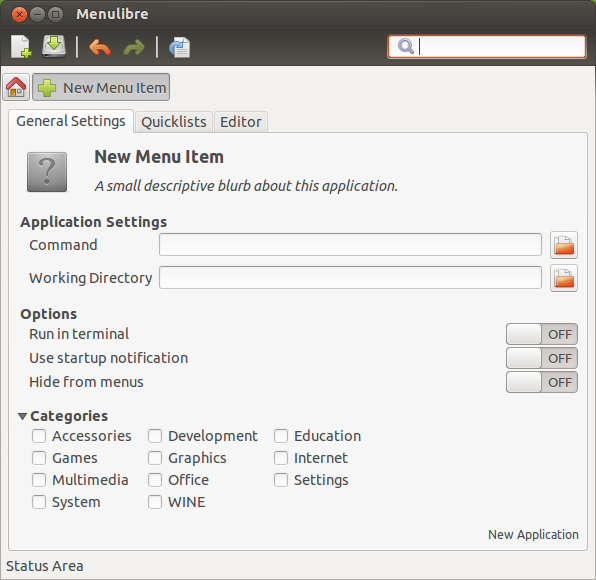
The Ubuntu App Showdown is already one week in.  After one week of development, the menu editor MenuLibre has seen significant progress and is coming along nicely.

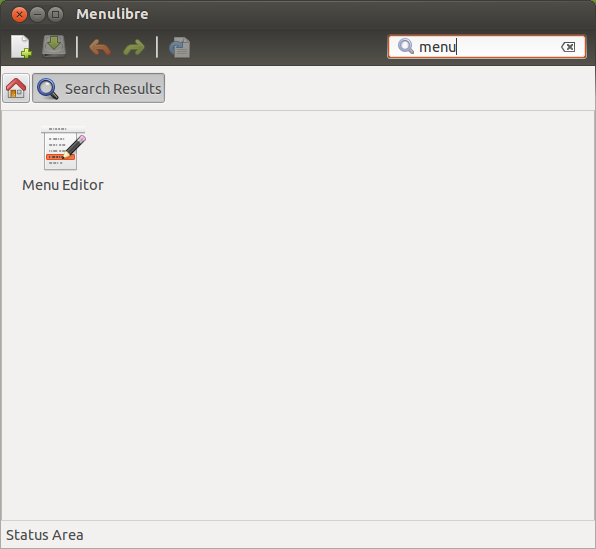
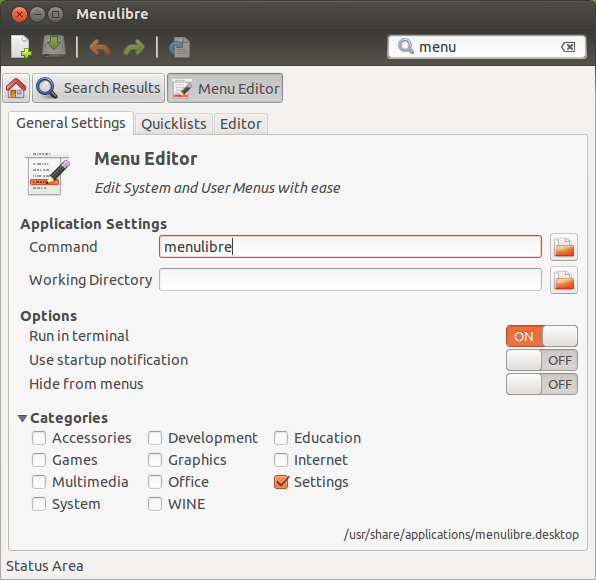
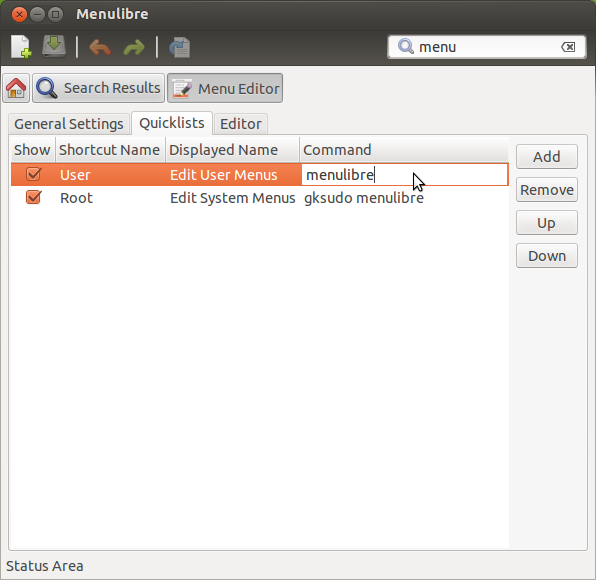
UPDATED:  Two weeks into the Ubuntu App Showdown and MenuLibre is very nearly finished.  A lot has changed in just one week, including a new, powerful breadcrumb navigation.  See the updated screenshots below!

Why a menu editor?  The current offering, Alacarte, is buggy and doesn’t quite meet the needs of any Ubuntu project.  Unity’s quicklists are one of its greatest assets, yet there is no way to edit them (except manually) or with external applications.  For the lightweight distributions, Alacarte is a headache because of it’s heavy GNOME requirements.  MenuLibre seeks to satisfy all camps.  Continue on for some screenshots!
Well, what do you think?  Have any criticisms, suggestions, or comments… or are you just really excited to see this thing coming to life?  Let me know in the comments!

  • Helbuns

    very interesting, i’m excited to see where it goes from here

  • Nll

    Wow, that’s great! I used Alacarte on the old Gnome2, but lately I’m finding myself orphan of a good menu editor, so this will be very handy! =)

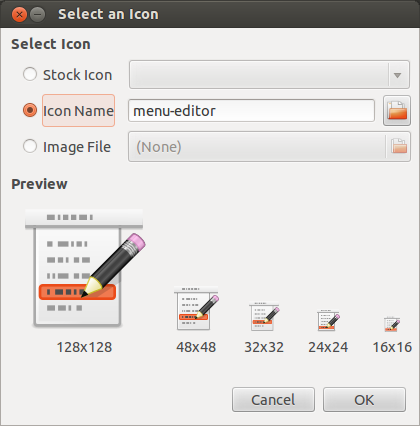
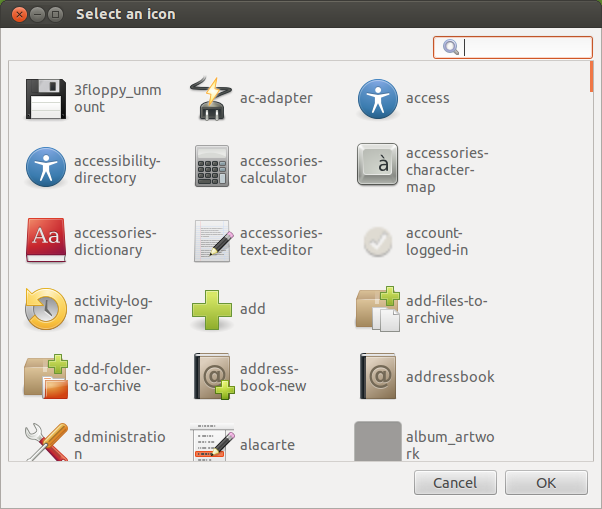
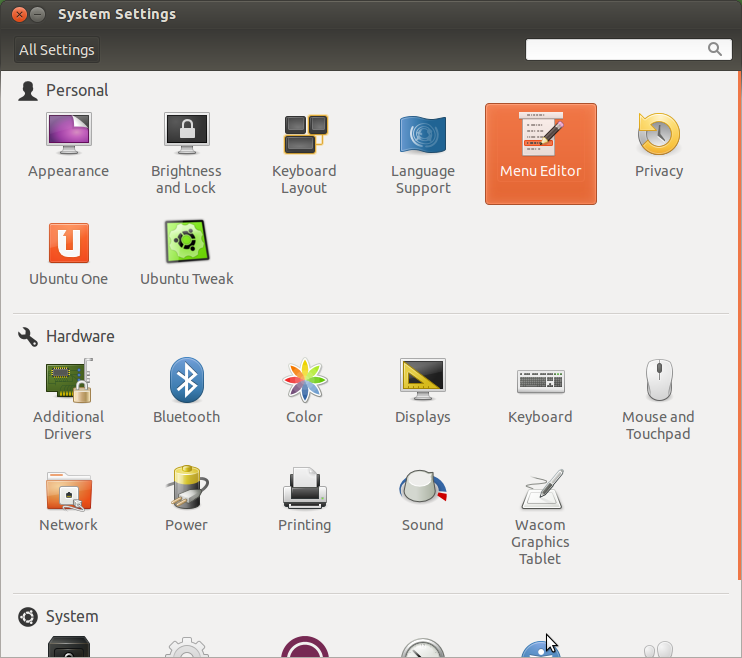
    As a Unity user, I would like to make just 2 requests for a better integration with the default Ubuntu: 1) in the icon selection window, we could use higher resolution icons for Unity’s Alt+Tab (I think they’re 128×128); and 2) it would be really nice if MenuLibre would add its icon into System Settings (like the latest version of Ubuntu Tweak).

    I deffinitely see potential for MenuLibre becoming default in Ubuntu. Kudos and thank you!

    • http://www.smdavis.us/ Sean Davis

       Hey, thanks for the suggestions!

      I have added a 128×128 preview as well and also integrated it into System Settings.  The interface has received some updates as well.  I’ll post some new shots later today.

      Thanks again!

      • nll

        Hey, you’re awesome! =D

        I’m looking forward to translating it to portuguese.

        Cheers!

  • Pingback: Ubuntu App Showdown Week 2 Wrap-Up | Ubuntu App Developer

  • Pingback: Ubuntu developers: Ubuntu App Developer Blog: Ubuntu App Showdown Week 2 Wrap-Up | Linux-Support.com

  • http://fitoschido.wordpress.com/ Fitoschido

    Excellent, looking forward for this to be released!

    • http://www.smdavis.us/ Sean Davis

       Thanks!  Good to hear that people are excited for it!

  • http://www.3v1n0.net Marco Trevisan (Treviño)

    Nice, what about embedding the interface into the gnome-control-center?

  • Johen
    • http://www.smdavis.us/ Sean Davis

       This looks like an awesome feature to add to MenuLibre.  Since this feature is only available for 12.10, I probably won’t be adding it until 12.10 hits beta.

  • flomar

    Hey, great applications, good luck with the showdown!

    Am I missing it or is it not possible at the current state of dev to change icons in Ubuntus notification bar? Changing the icon in the Launcher/Menu doesn’t affect the notification bar icon in the top left corner (Ubuntu 12.04).

    • http://www.smdavis.us/ Sean Davis

       Hi flomar.

      Notification icons are usually defined by the application themselves, or overridden by the theme in use.  For example, Dropbox uses the icons “dropboxstatus-busy”, “dropboxstatus-idle”, etc.  So these icons can not be modified without making direct modification to the application, or the theme if the application supports it.

      Which application notification icon are you trying to modify?  I can probably give you more information.

      • flomar

        Well. I’m using ClipIt (clipboad manager) and using the radiance theme the default application icon is not really fitting into the notification bar. Now I’m a little pedantic when it comes to optics, so I quickly made a Radiance icon version of the default gtk-paste icon. See files attached.

        I understand I could just replace the default icon under /usr/share/icons/gnome/24×24/actions/gtk-paste.png. However this means a very undynamic behaviour as with every theme change I would have to change the icon back. Maybe you have a better idea?

        regards,
        florian

        • http://www.smdavis.us/ Sean Davis

          One option would be to place your custom icon inside of the Radiance theme in the same general location.  So if Radiance is installed in /usr/share/icons/Radiance, you can place your icon (named as gtk-paste.png) inside of /usr/share/icons/Radiance/actions/24.

          Then be sure to run `sudo update-icon-caches /usr/share/icons/Radiance`.  You might have to log out to see changes, but that would do it.  You can also copy the Radiance folder to /home/USERNAME/.icons and make your changes locally.

          After all of this, you might have to log out and back in to see a difference.  BTW, I don’t have light-themes installed right now, so the paths might be slightly off.