Xubuntu 12.04 LTS Released

New Xubuntu Logo

Xubuntu 12.04 LTS “Precise Pangolin” has been released!  There’s lots of new things that come along with this release, so let’s get started.

What’s new?

The Xubuntu team has been busy this cycle, fixing bugs, adding features, and improving the quality of the operating system.  The result: an easy-to-use, beautiful desktop that you can happily live with for 3+ years.  So what’s new, Xubuntu?

Themes

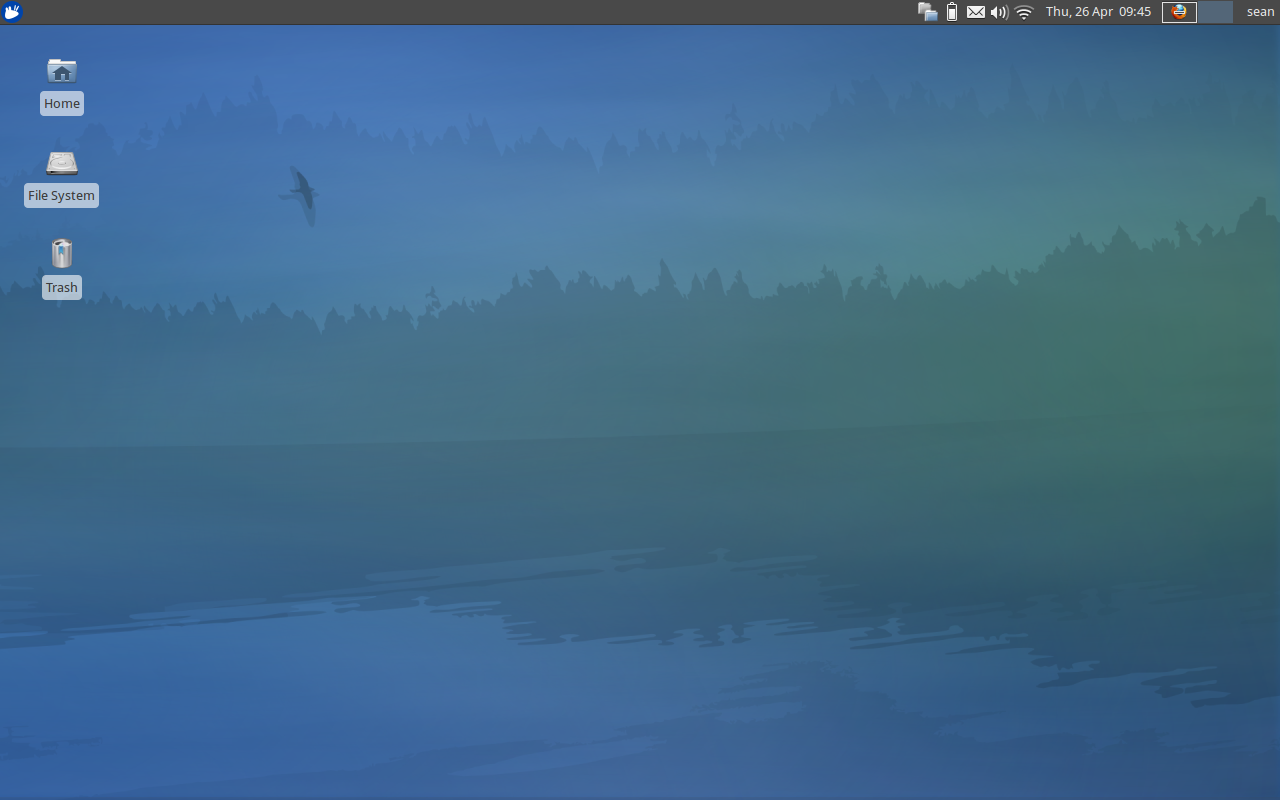
Xubuntu 12.04 Desktop

The desktop. A serene place to store your crap.

GTK+3.4 brings some news widgets and better stability and appearance options.  While Xfce is based on GTK+2.x, many of the Ubuntu core applications and applications in the Software Center are making the transition to GTK+3.  The Xubuntu team has worked diligently to make their themes fully compatible.  As a result, we now have two beautiful themes that look great no matter what application you use.  Check out the slideshow at the end of the article for a preview of Bluebird and Greybird.

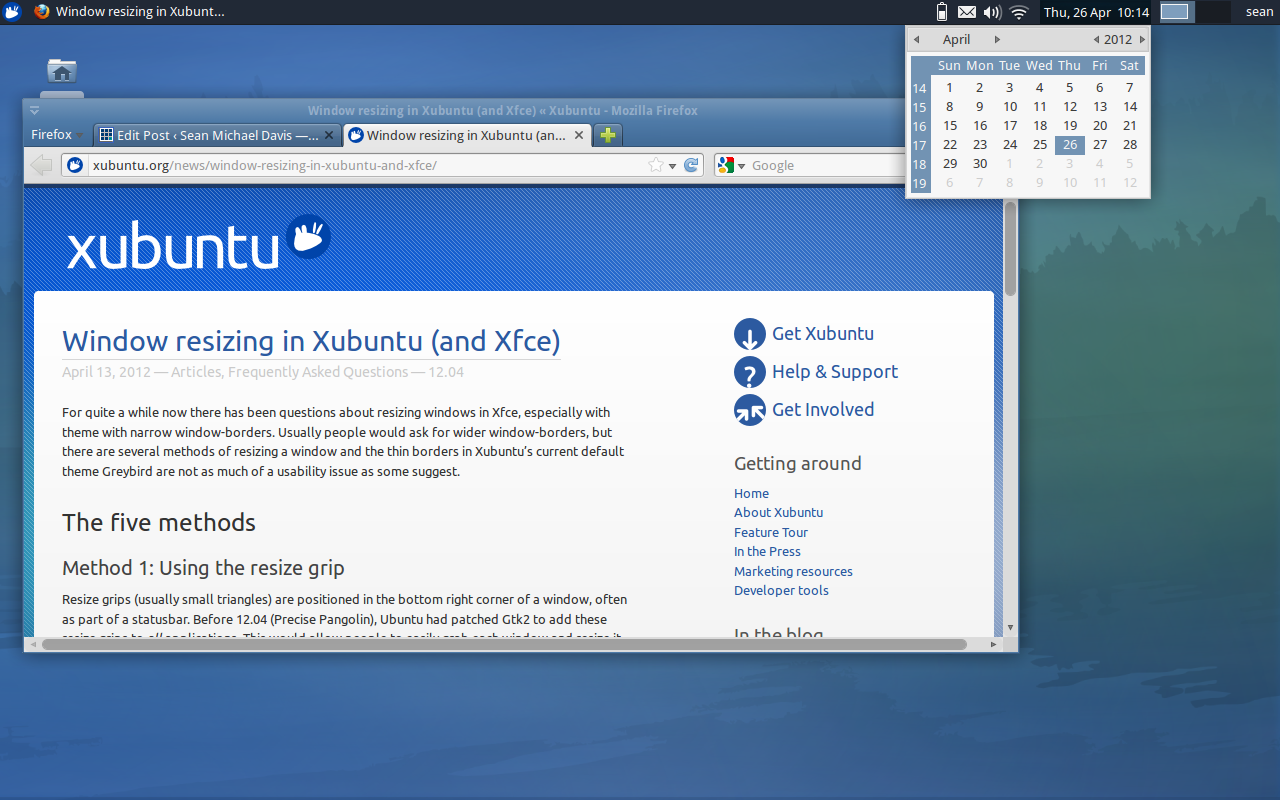
Additionally, work has also been done to keep Unity users from getting jealous as well.  Check out some of the screenshots of Greybird in Unity.

Usability
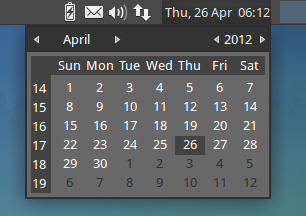
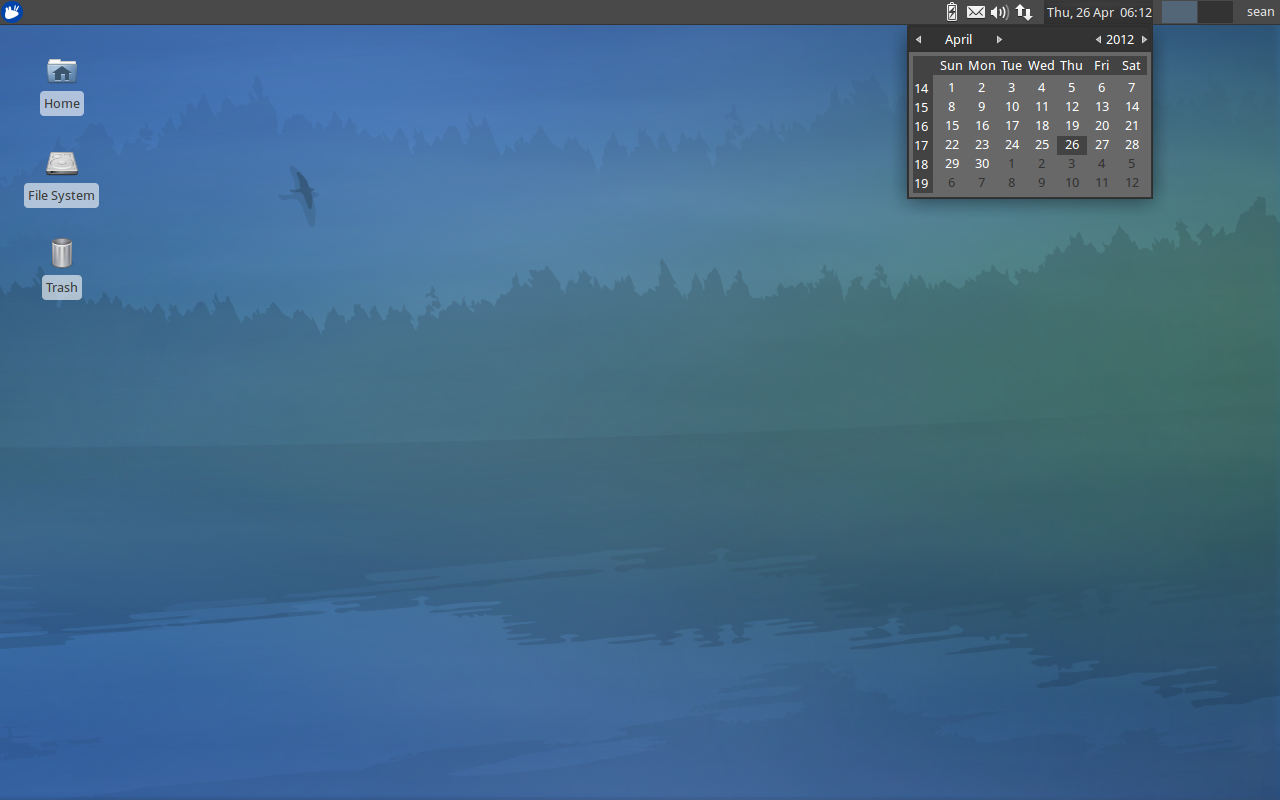
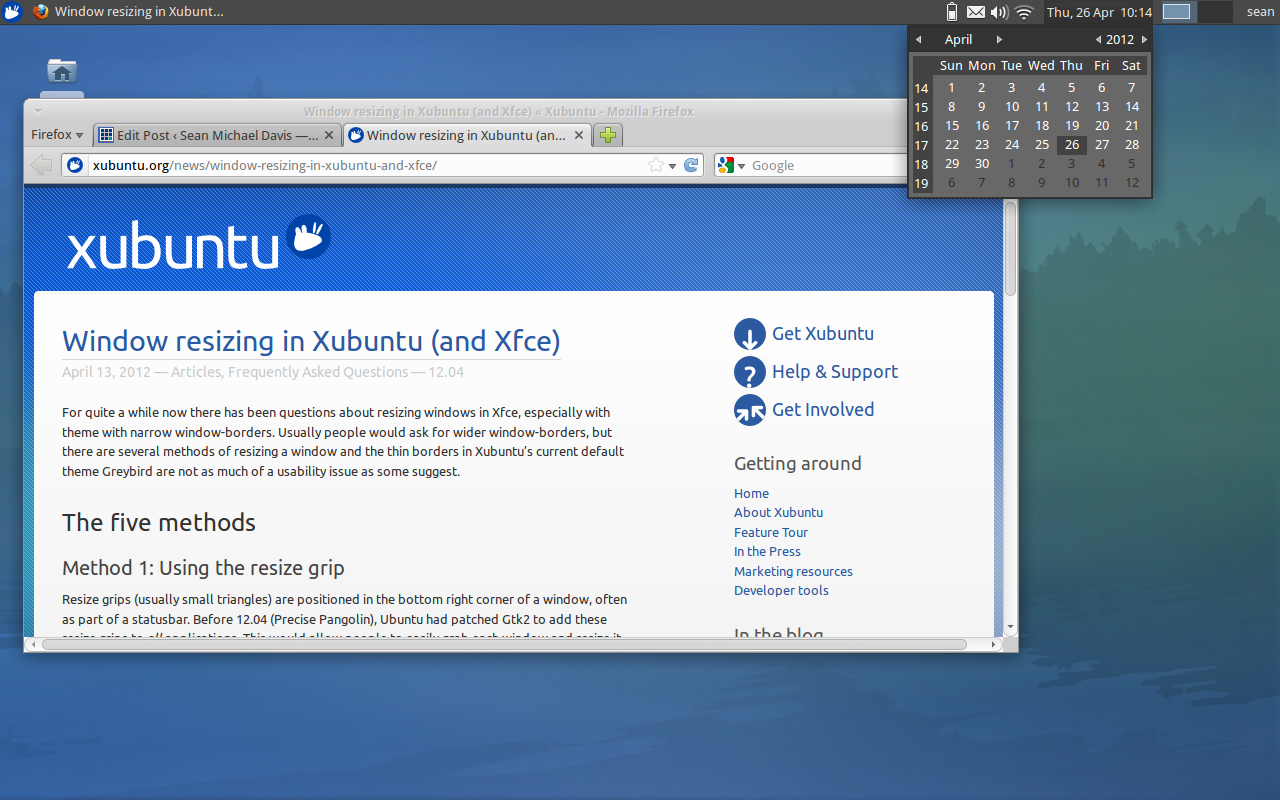
Date Time Applet

The DateTime applet. Now the calendar is only a click away.

Usability has been greatly enhanced this cycle, with shortcuts and tips revealed both on the Xubuntu blog and the official Xubuntu Google+ page.  Not a fan of the bubble borders around your desktop icon labels?   Remove them!  Does it kill trying to hit the sweet spot to grab and resize your windows?  Maybe all you need is a keyboard shortcut or a slightly different approach.

Additionally, the inclusion of the DateTime applet was a nice little treat!  Now you can easily glance at the calendar, just like in other desktop environments (GNOME, KDE, and Unity).  It’s a convenience that you don’t notice off the bat, until you click the clock and nothing happens.

Xubuntu 12.04 “LTS” Precise Pangolin

Xubuntu 12.04 is a long-term support release that will be supported for 3 years.  It’s a very solid and stable release that is guaranteed to impress.  First impressions are positive, and after using it for just a few minutes, you’ll understand why.  Are you going to start using (or continue using) Xubuntu, or do you have your heart set on a different distribution?  Let me know in the comments!

Well, what are you waiting for?  Go download your new favorite OS!

Screenshots
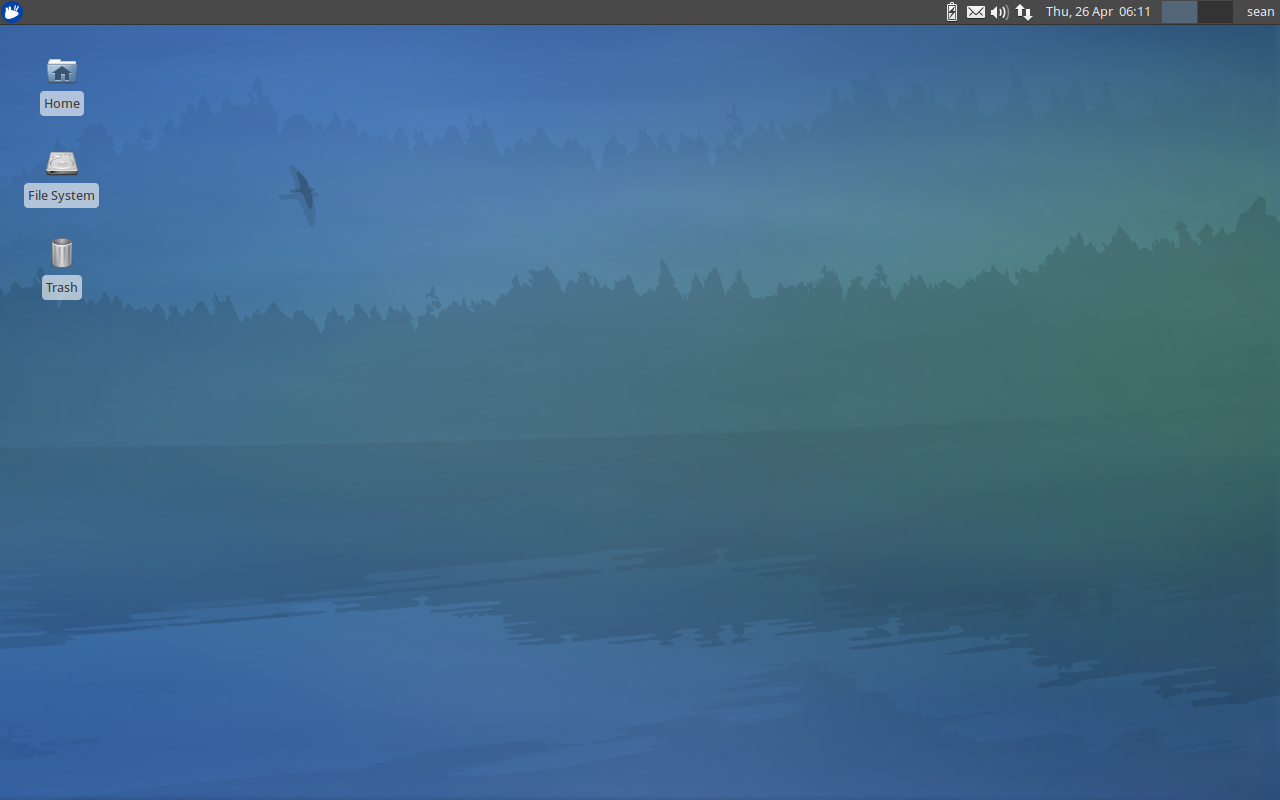
Xubuntu 12.04 Desktop

The default Xubuntu 12.04 desktop

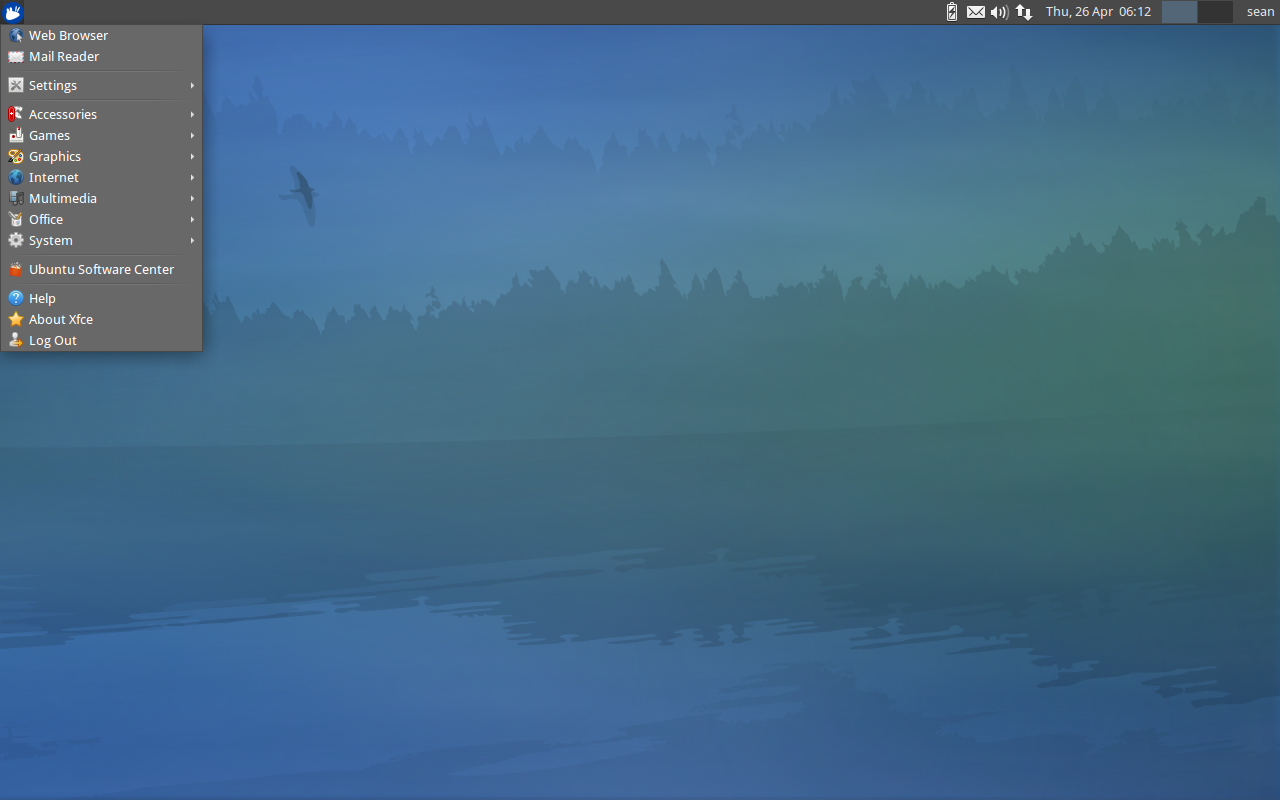
Applications Menu

The Xubuntu 12.04 applications menu

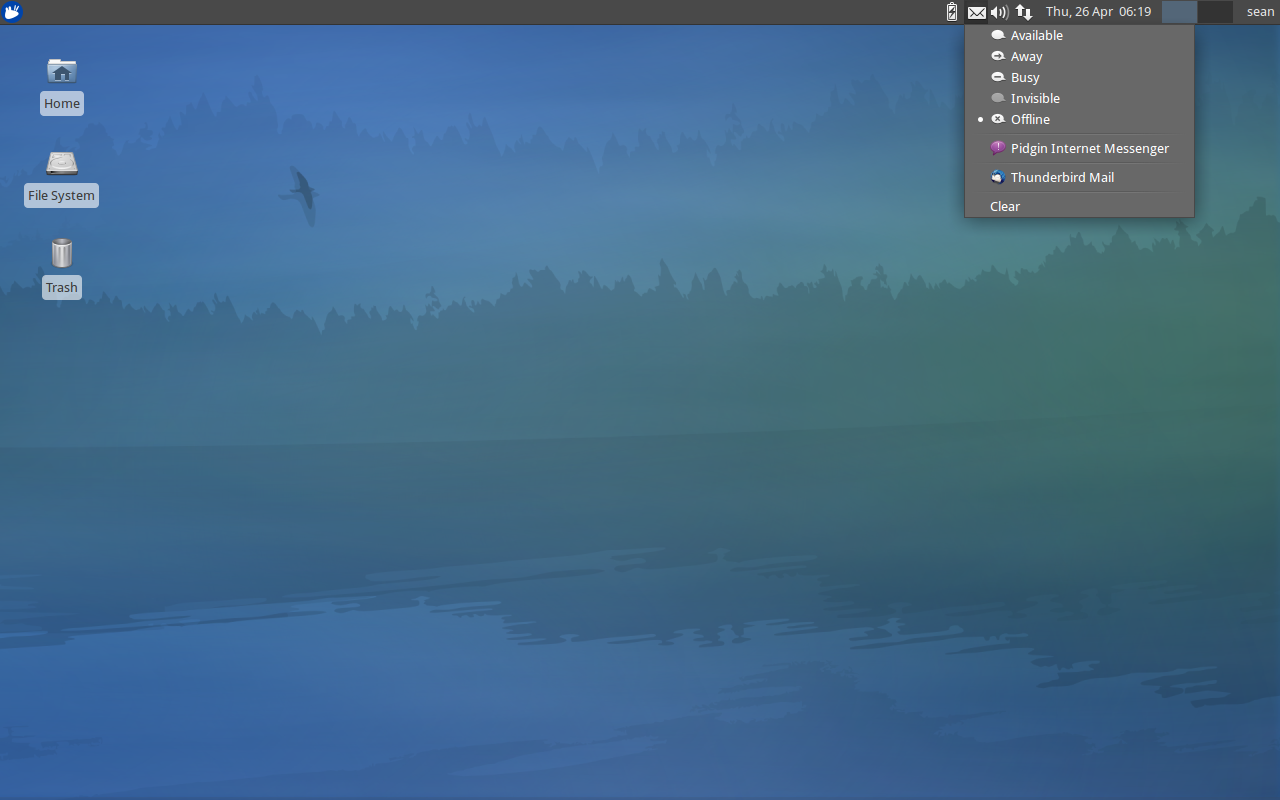
Messaging Menu

The Xubuntu messaging menu

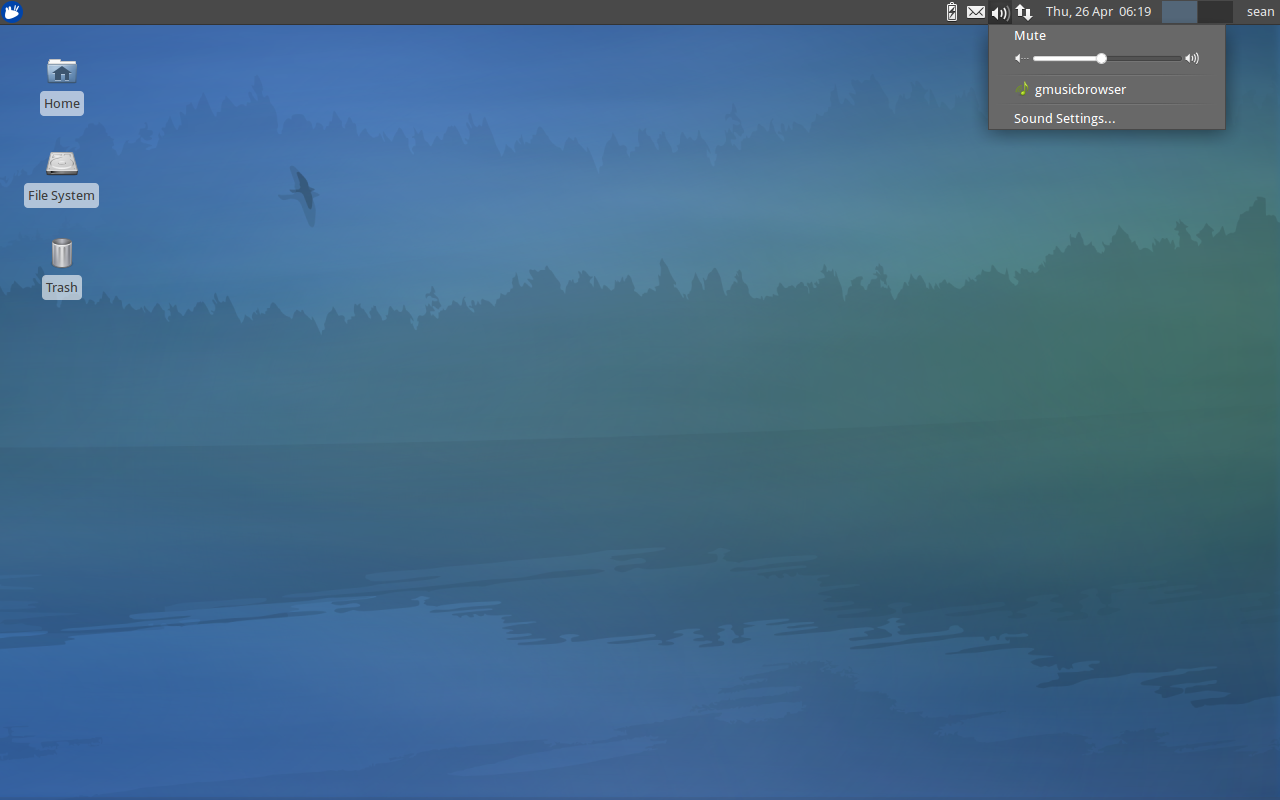
Sound Menu

The Xubuntu sound menu

DateTime Applet

The Xubuntu DateTime applet

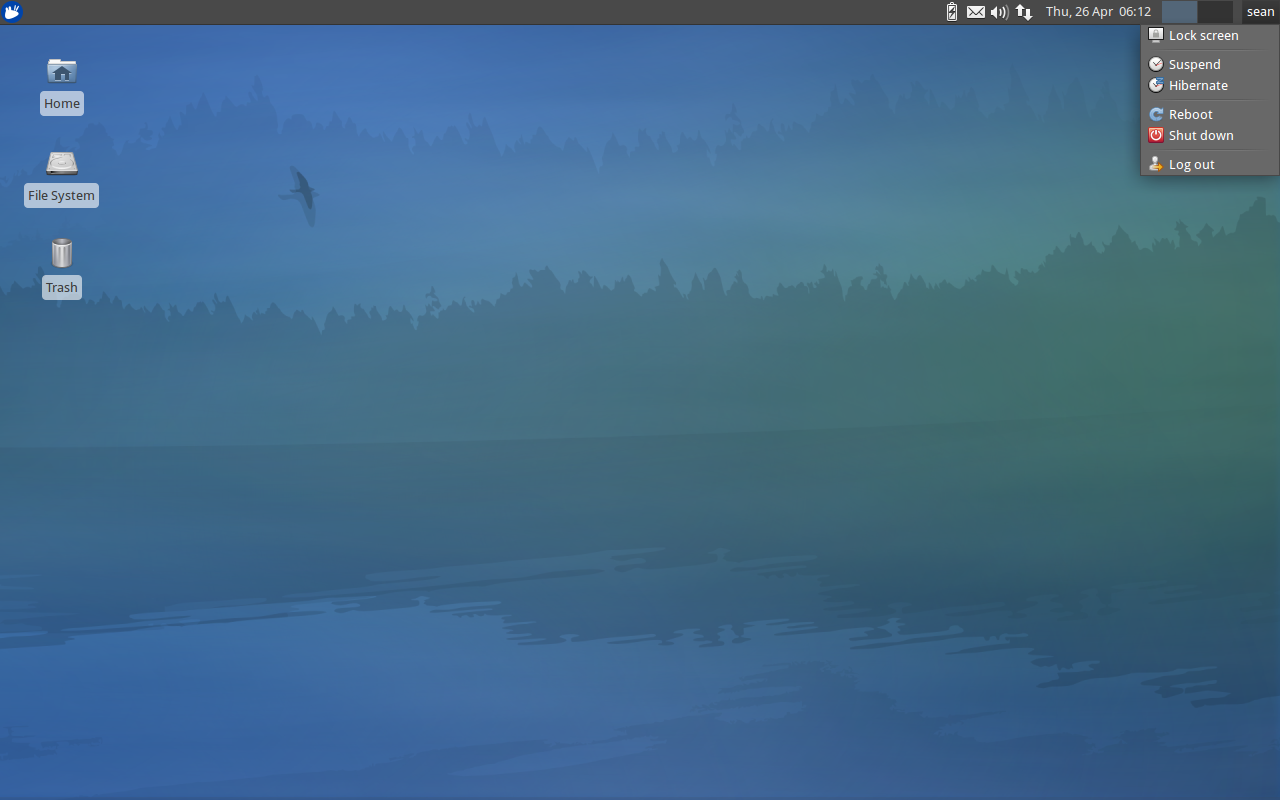
Session Menu

The Xubuntu session menu

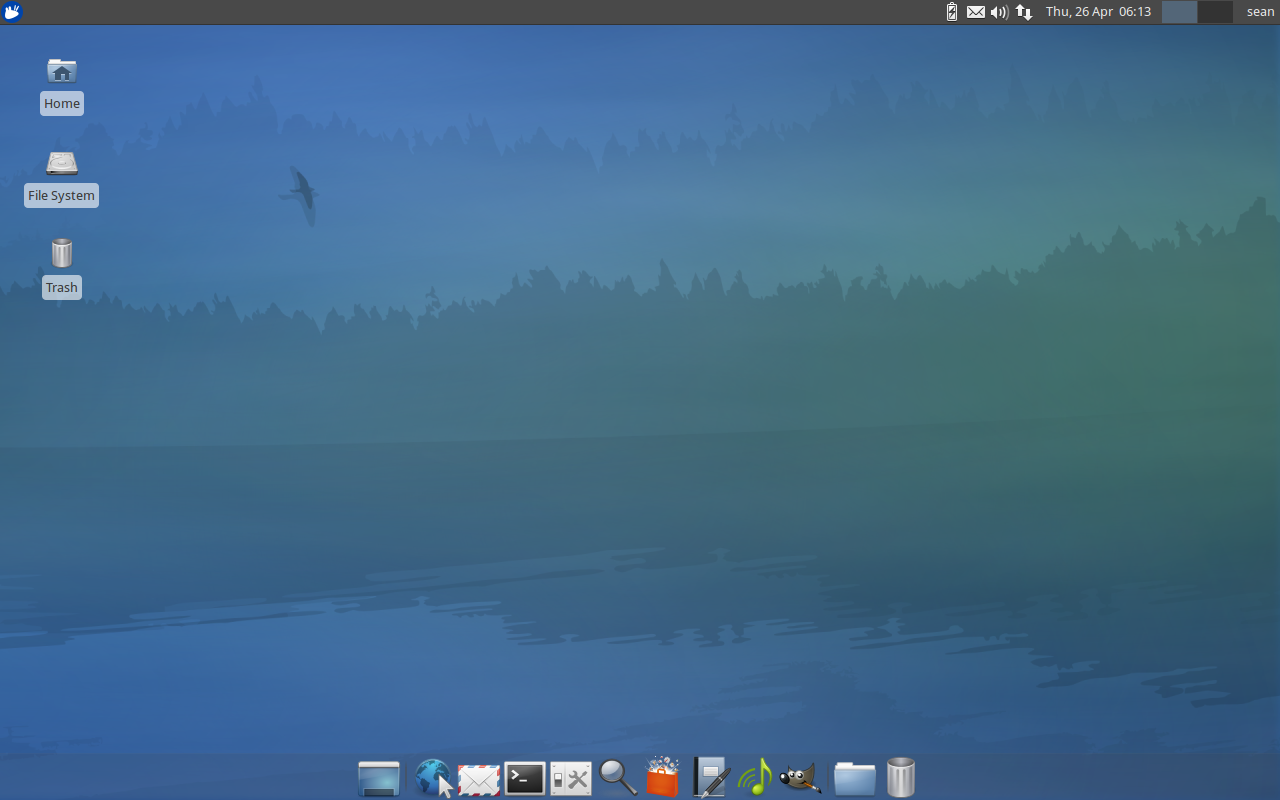
Applications Dock

The Xubuntu Applications Dock

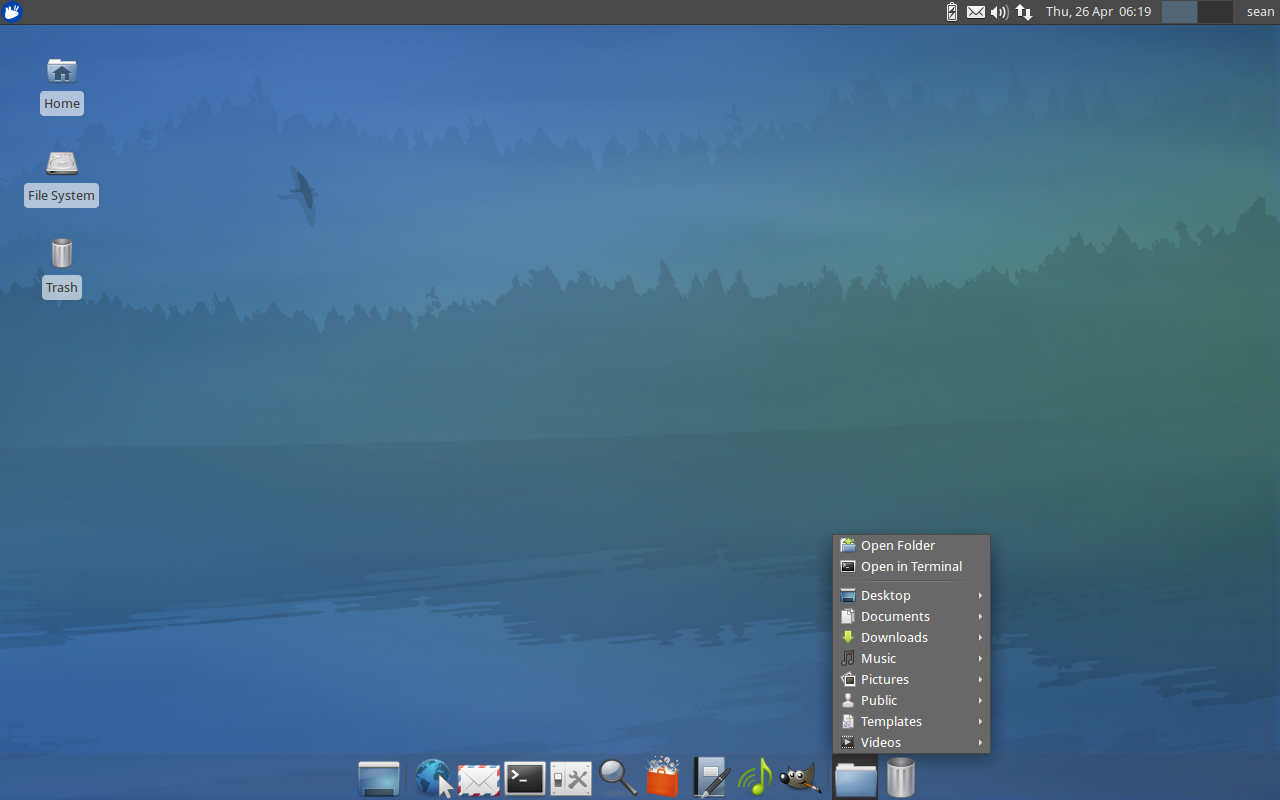
Dock Places Menu

The Xubuntu Dock "Places" menu

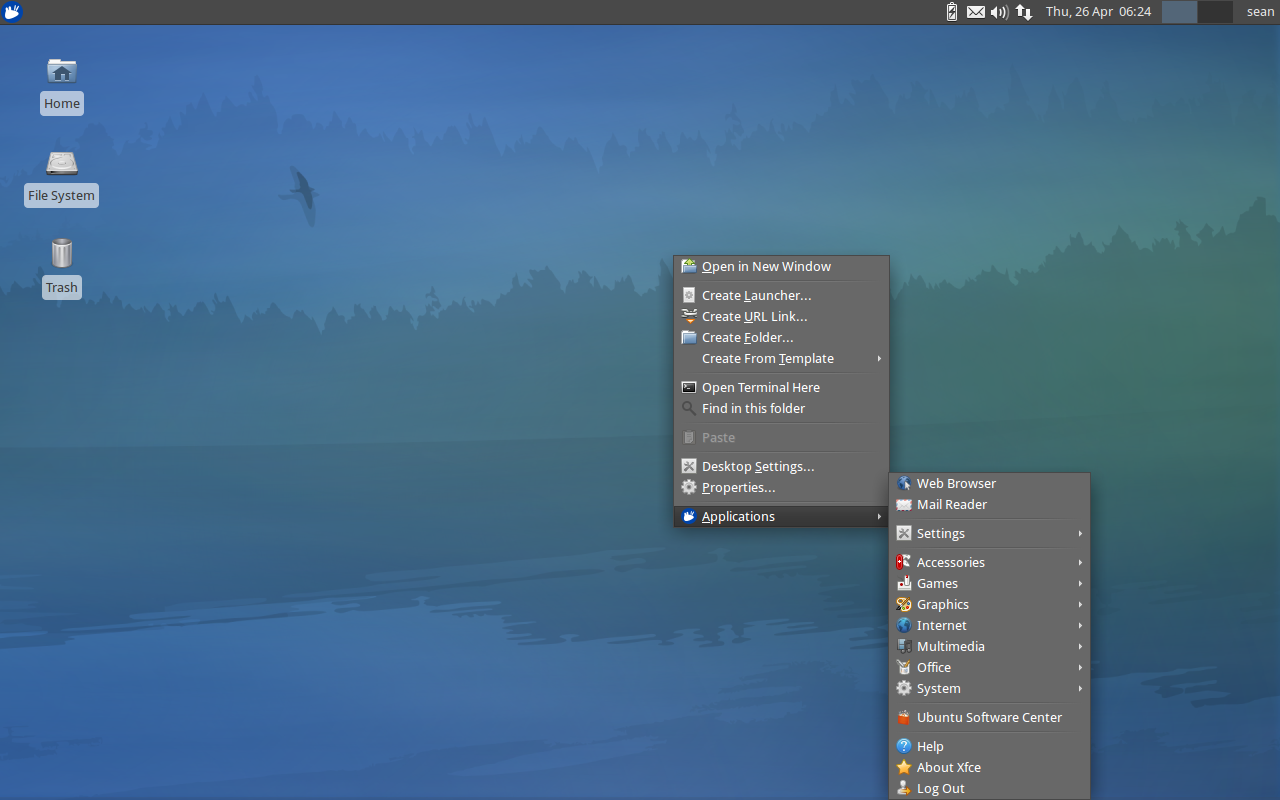
Desktop Menu

The Xubuntu Desktop menu

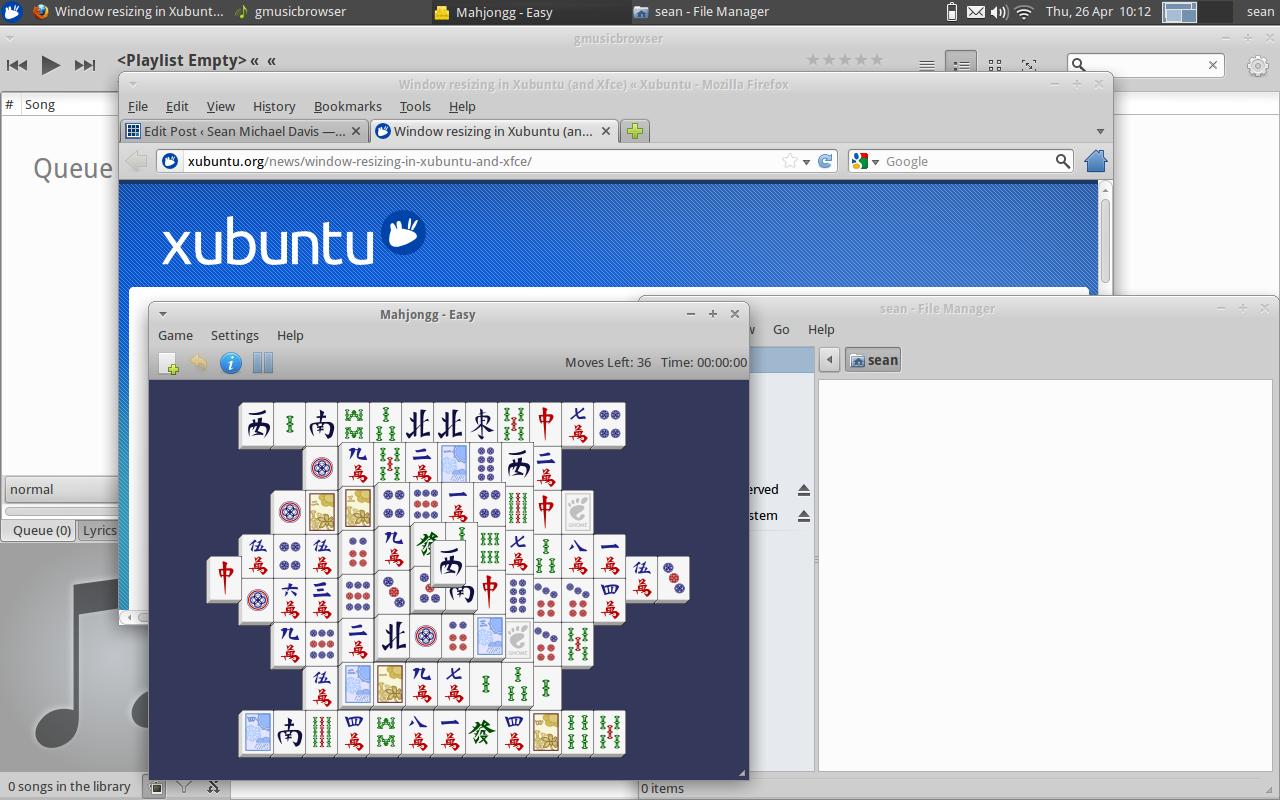
Greybird Sample Applications

Some sample applications using the Greybird theme

Greybird Firefox Sample

Firefox and the DateTime applet with Greybird

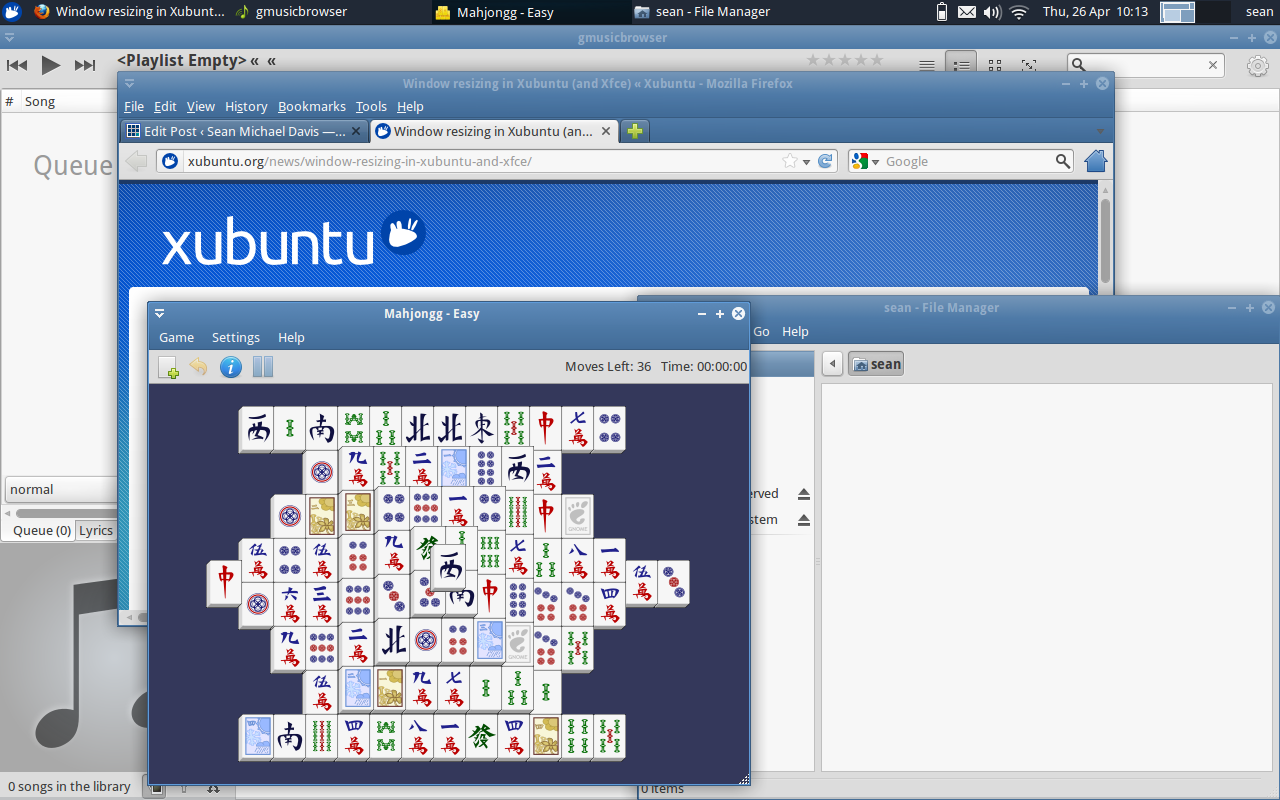
Bluebird Sample Applications

Some sample applications using the Bluebird theme

Bluebird Firefox Sample

Firefox and the DateTime applet with Bluebird

Xubuntu 12.04 DesktopApplications MenuMessaging MenuSound MenuDateTime AppletSession MenuApplications DockDock Places MenuDesktop MenuGreybird Sample ApplicationsGreybird Firefox SampleBluebird Sample ApplicationsBluebird Firefox Sample
  • Wichru

    My heart belongs to Arch with Xfce

    • http://www.smdavis.us/ Sean Davis

       To be honest, I’ve never actually used Arch.  I’ve heard that it is a
      pretty lean beast where you install and configure everything yourself. 
      How long does it take to get it up and running?

      • Squeaks

         Longer then Ubuntu or any variant.

      • Baldwin

         It takes ages to set up, but once you have it all configured it’s great; very lean very fast! 

        But that’s where the brilliance of Arch ends.  Breakage is frequent.  Expect to waste time trying to figure out which package broke your system.  Again.

  • http://linuxblog.darkduck.com/ DarkDuck

    Xubuntu 11.10 was very good. It’s nice that Xubuntu 12.04 continues the same principle. http://linuxblog.darkduck.com/2012/05/xubuntu-1204-dont-fix-what-is-not.html

    • http://www.smdavis.us/ Sean Davis

       I agree with this statement.  The Xubuntu team found a great setup and has stuck with it.  Now we’ve got a quality desktop that will easily last the life time of this release.  Also, great review!

  • http://sites.google.com/site/easylinuxtipsproject/xubuntu Pjotr

    Xubuntu 12.04 is a classic beauty! Simple, elegant, intuitive to use, lean and stable as a rock. :-)
    About the only thing I do not like is the morose default wallpaper. That really should be brighter and more colourful. At first glance the impression is therefore not as good as it might have been with a prettier wallpaper.

    By the way, I’ve written a page with tips and how-to’s for Xubuntu: http://sites.google.com/site/easylinuxtipsproject/xubuntu

    You might like the kiosk mode tip, for protection against clumsy users. I discovered it only recently, and it’s a big help in some cases….